
Logo

What are you looking for?

Get help straight from the team at Quotiss...

Email Integration - Office 365 permissions

System Settings

Email Integration - Office 365 permissions

Sometimes, Microsoft Office 365 requires additional permissions from the Administrator first, before you can proceed with user email integration. Here are the steps to enable it

Last updated on 04 May, 2026

  1. Log in as Administrator

  2. Go to the Azure Active Directory (Entra ID) admin center.

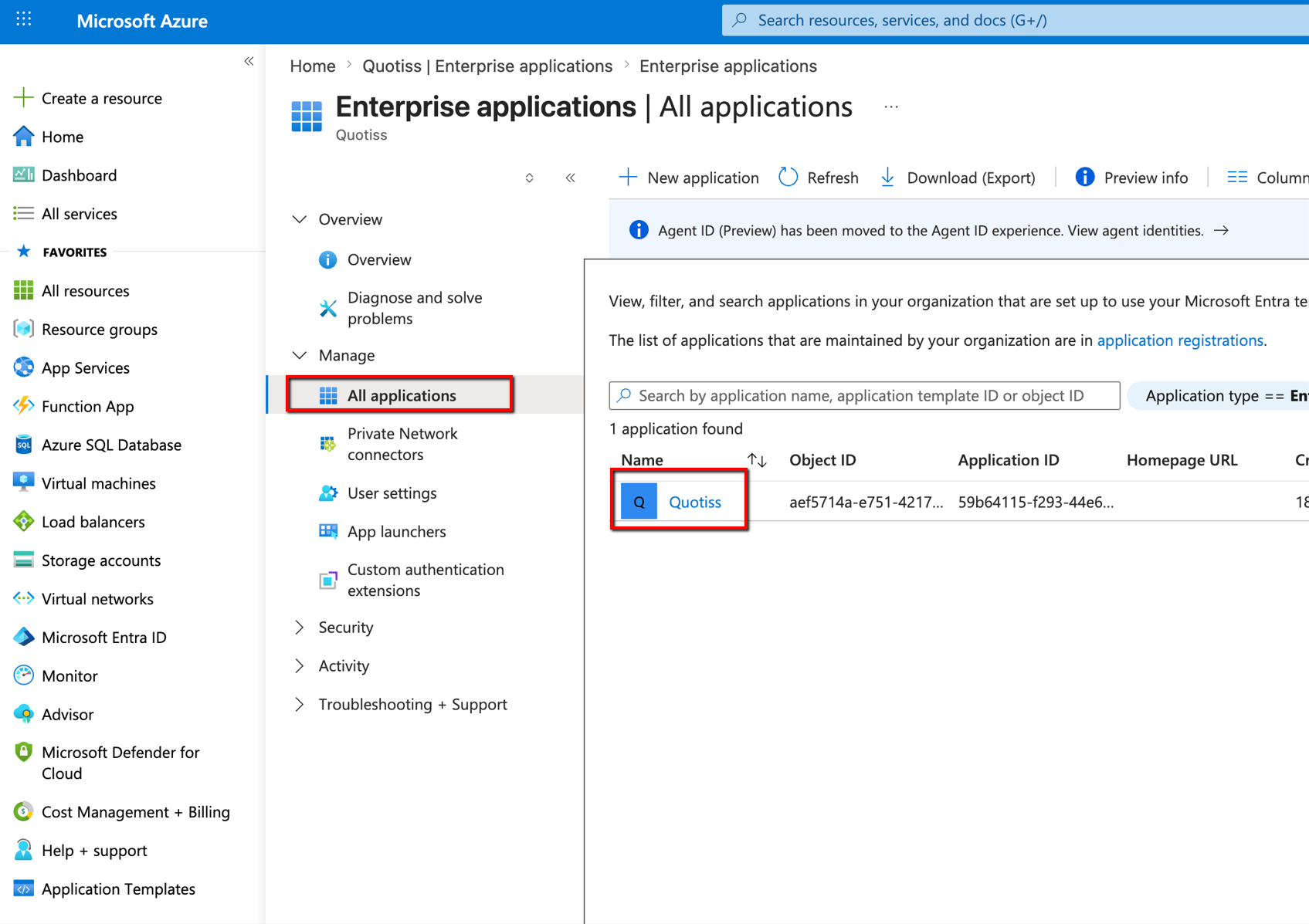
  3. Navigate to Enterprise Applications → Quotiss (or “Email Integration using OAuth 2.0”)
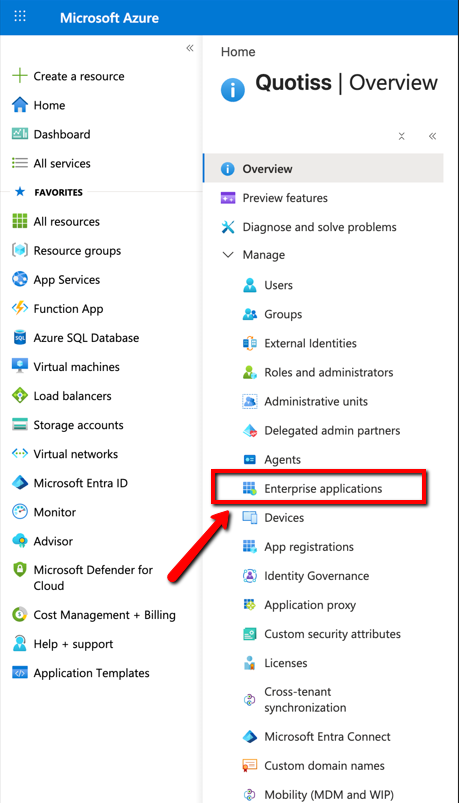
image.png

image.png
  1. Open Permissions and click “Grant admin consent for [your organization]“
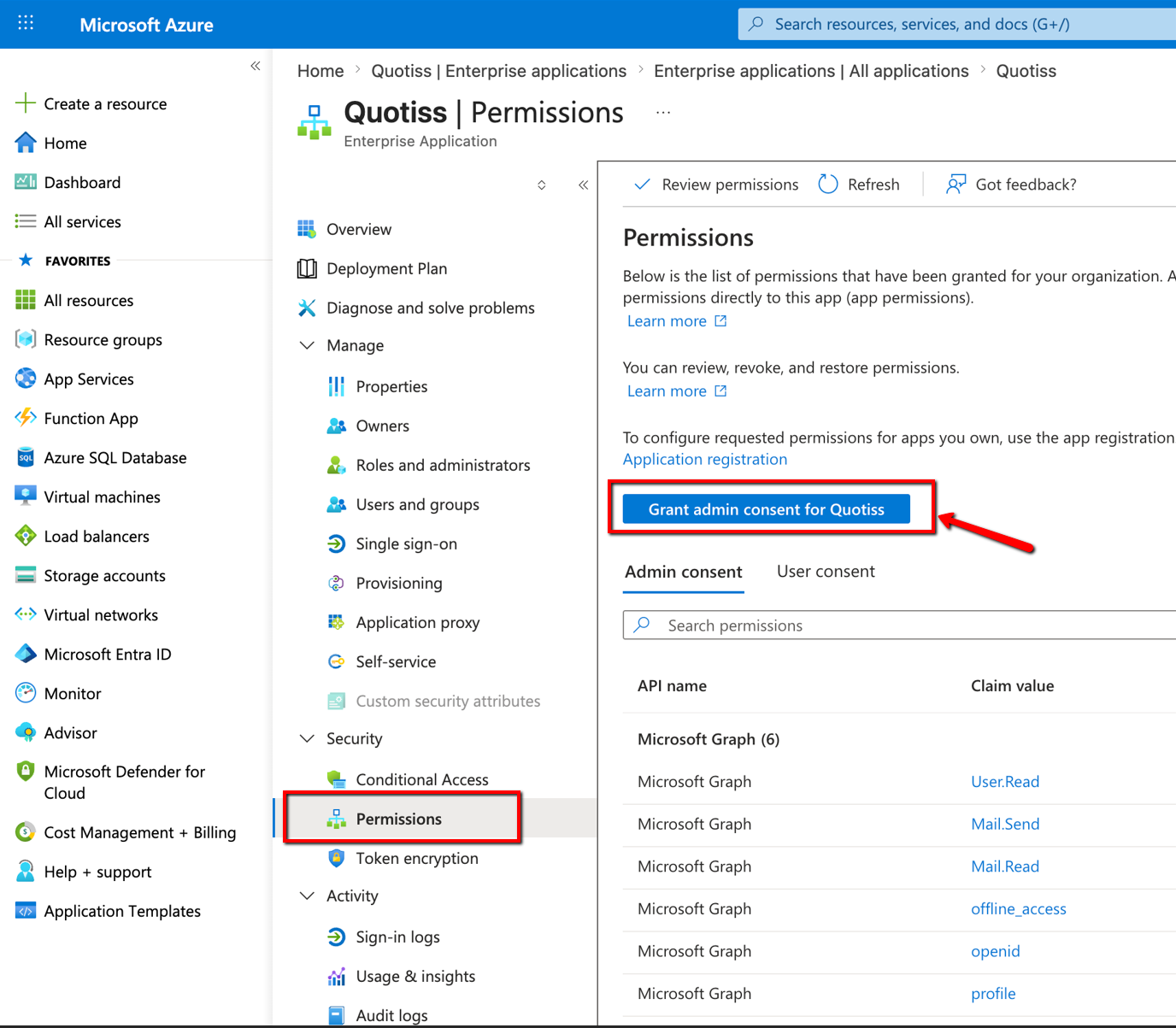
image.png
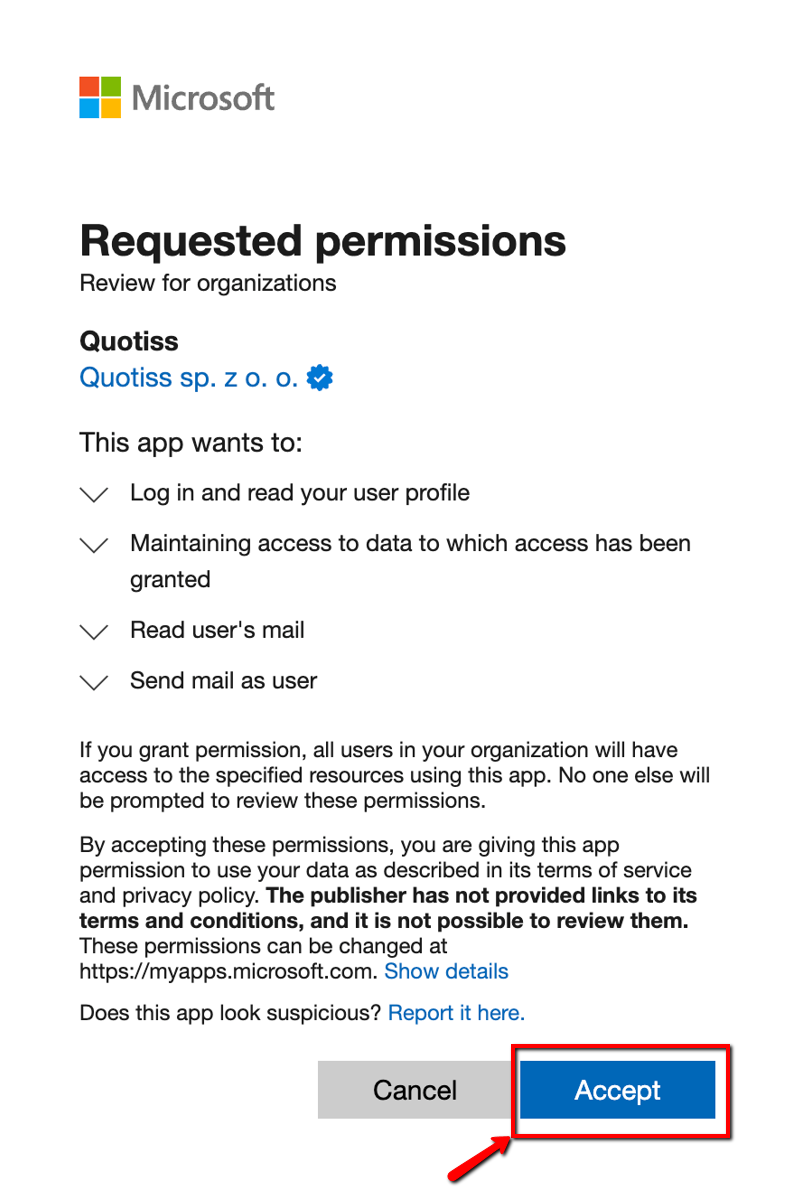
  1. Confirm the consent for all users.

image.png

Did you find this article helpful?
Previous

Freight Rates and Local Charges

Next