

Contract rates and spot rates in Quotiss can have 3 different statuses:
Draft
Published
Archived
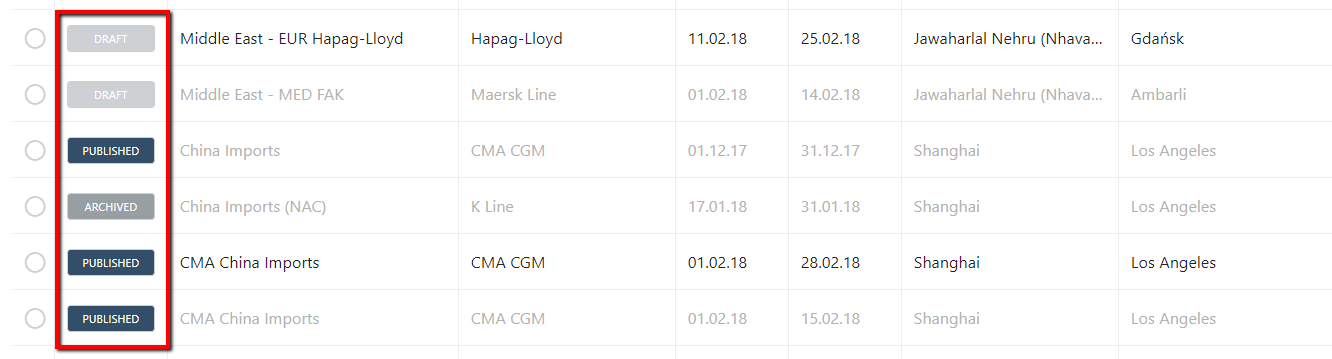
1) Draft:
The draft is visible only to the Pricing Manager. It's open for editing and changes. Edit drafts, without any effect on quotes. Once the draft rate is published, it becomes available for quoting.
2) Published:
Once the draft rate is published, it becomes available for quoting. It is possible to unpublish the contract and make changes, but these changes will affect the quotes which have been already sent.
3) Archived:
The archived contract is a published contract that is no longer valid or no longer needed. Once the contract is archived, it will not be visible to the sales organization.