

By default, each contract is available for ALL users and ALL clients. It is possible to limit access to contracts to specific clients or to specific users.
Open the contract draft and go to Restrictions tab:
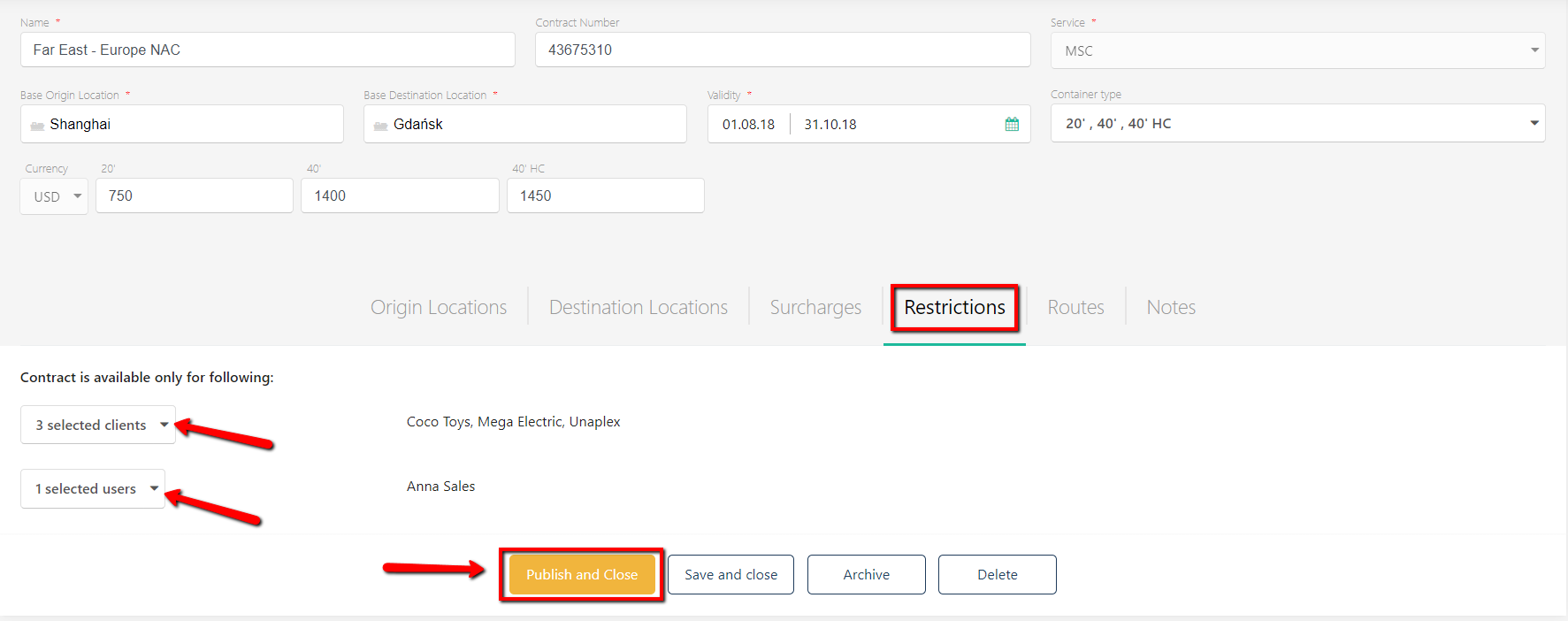
You can pick from the list a certain client name(s) and / or user name(s) and change their access rights. Once specific clients and/or users are selected, they will have exclusive access to the contract.