

In case you'd like to make changes to the contract which has been already published, please go to Rates and click on the contract you'd like to edit.
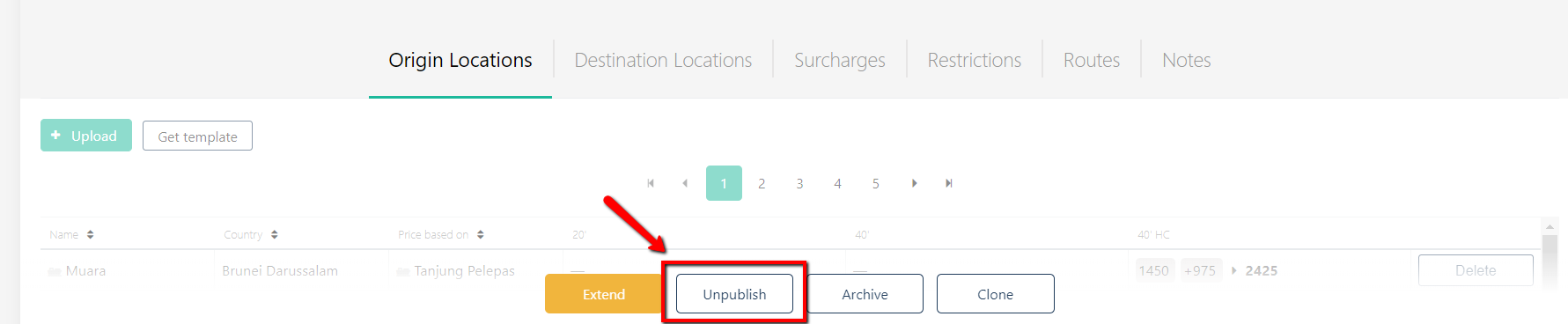
Click 'Unpublish' button. Now you are able to edit any field.
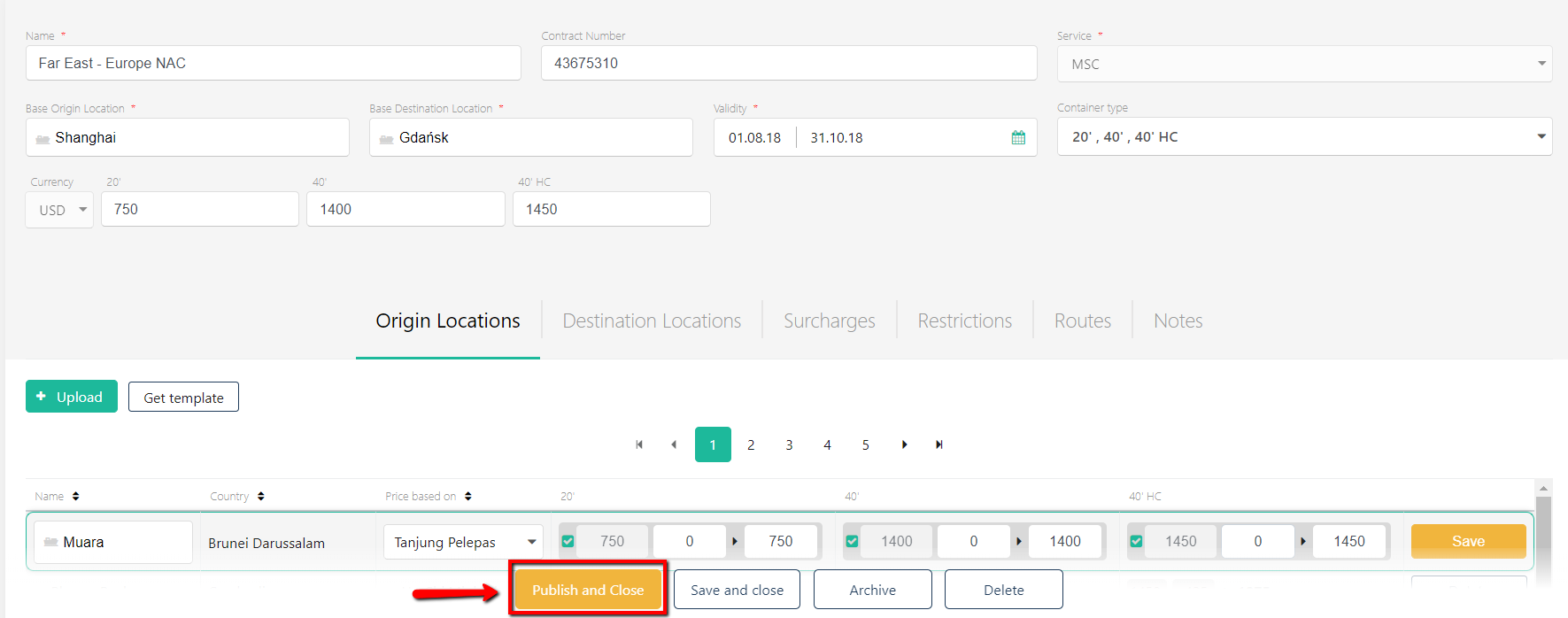
Once done editing, click 'Publish and Close'.
NB: while the contract is in draft status it's not available to the sales organization.