

It is possible to upload freight rates automatically, using a specific Excel template which you can download from Quotiss at any time.
When you create or edit a contract, you will see 3 buttons:
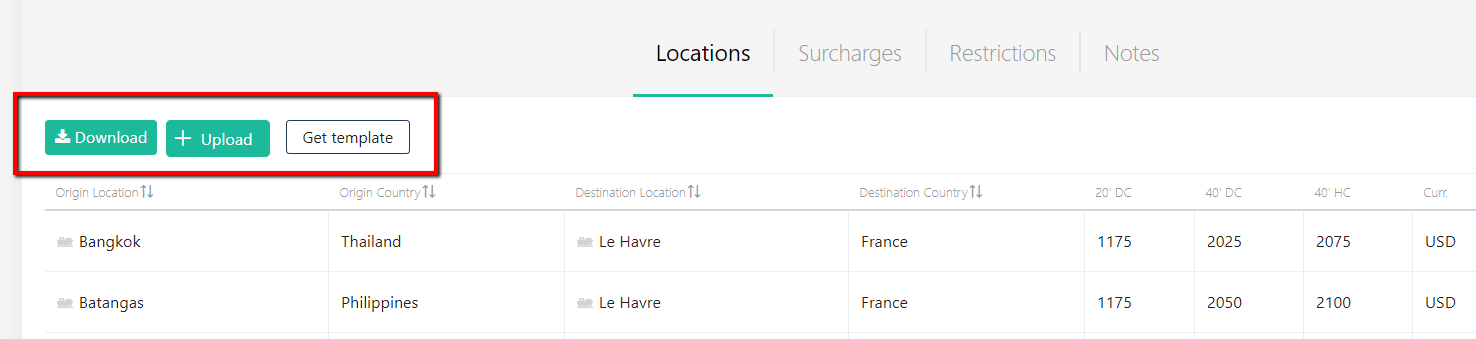
Note, that templates are different for FCL, LCL, AIR, and LTL contracts. Make sure you got the right template.
Click 'Get template' - and Excel file with the template will be downloaded to your computer. Fill out the template with the list of ports and rates you have received from the carrier.
The Port name should match the system. If the port name is not found, the error message will tell you that the rates have not been uploaded.
Save the file on your computer. Click 'Upload'.
NB - The rate should be a number, not text. Do not change the order or rename the headers of the template.
NB - All mandatory fields in the template should be updated. Mandatory fields are locations, rates, currency.