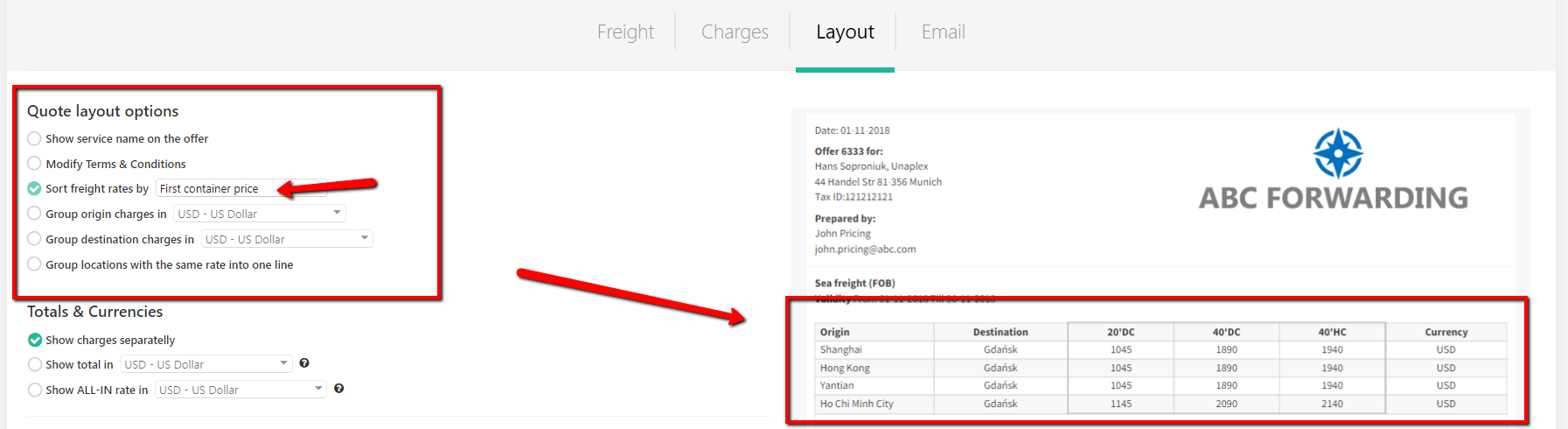
It is possible to change the order of the ports on the offer.
Once the Freight and Charges tabs are updated, you can go to the Layout tab of the quote.
By default, the ports are sorted by the name of the origin / destination alphabetically. You can change the order by selecting the 'Sort freight rates by' from the list of the layout options at this stage:
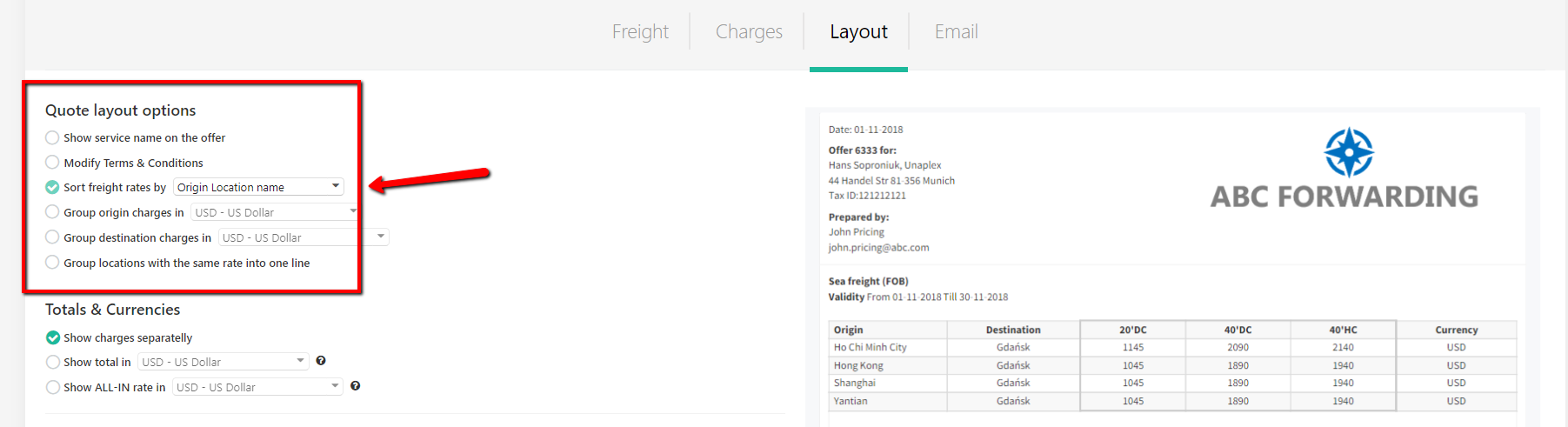
You can select from the following options for sorting:
- Origin Location name
- Destination Location name
- Service name
- The lowest price first