

In addition to a simple quote replication, the system allows replicating multiple quotes at once. This is called batch-replication.
To do that, please go to Quotes tab and select quotes, you'd like to replicate by ticking a checkbox next to it. You will see a 'Replicate' button on the top.
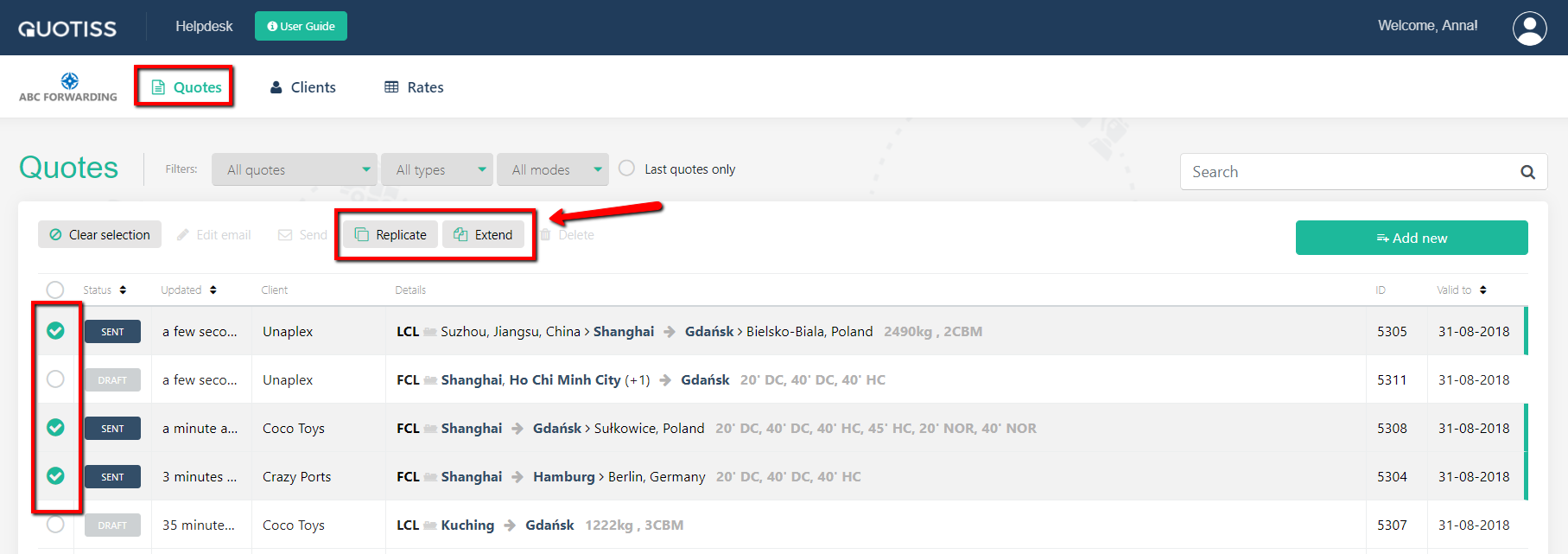
NB: only quotes in status 'Sent' and 'Accepted' can be replicated.
Once the quotes are selected, press 'Replicate' button:
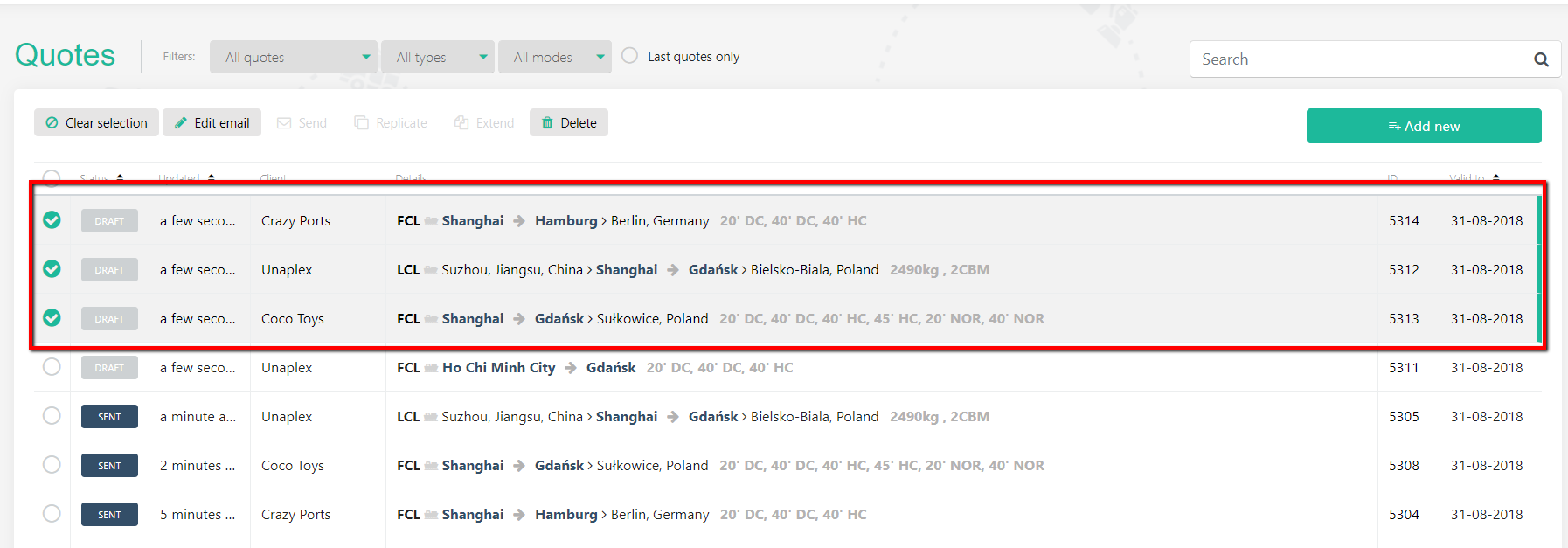
Replicated quotes will appear on the top and will get a 'Draft' status.
NB: Replicated quotes will be a mirror reflection of the original quotes (ports, margins, local charges, T&C, message) with one difference - in case there was an update on the contract rate used in the original quote, the system will take the latest rate available.
Once the drafts are created, it is possible to batch-send them.