

It's possible to set a default margin for every client to speed up the quote preparation.
First, the Pricing Manager has to define the list of available default margins. Once the list is created, the default levels will be available in the dropdown in the Client profile.
Open the client profile and select the default margin level from the dropdown:
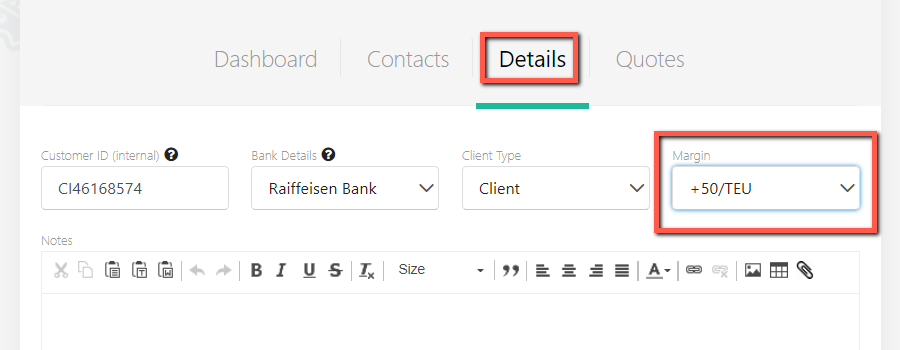
Save once done.
Now, when a sales rep wants to create a quote for this customer, the default margin will be automatically applied. This will act as a pricing guideline, the sales rep will always be able to adjust the margin manually.

In case the default margin is applied for the selected contract and to the selected client at the same time - the client margin will be prioritized.