

Once the Freight and Charges tabs are updated, you can go to the Layout tab of the quote.
By default, all ports are listed separately on the offer. You can group the ports with the same rate into one line by selecting 'Group ports with the same rate into one line' option in the list of layout options at this stage:
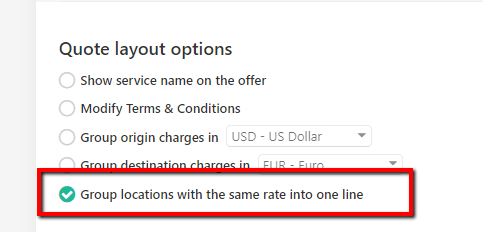
Once the button is ticked, ports with the same freight rate will group into one line automatically:

You can always go back to the previous layout by 'unticking' the box.