

Every quote will come with a standard set of Terms &Conditions predefined by the Pricing Manager, however sales reps can overwrite it if needed.
Go to Layout tab, and click on ModifyTerms & Conditions.
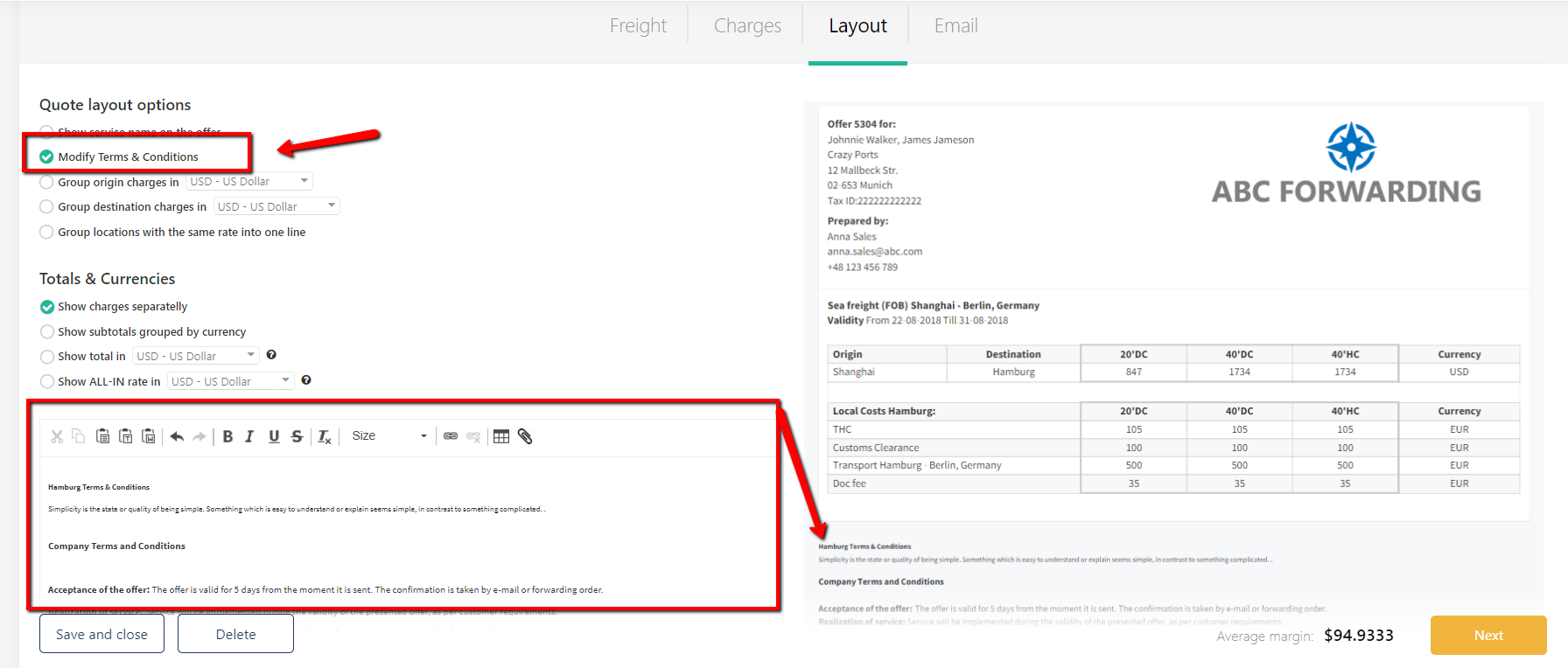
The editor will open:
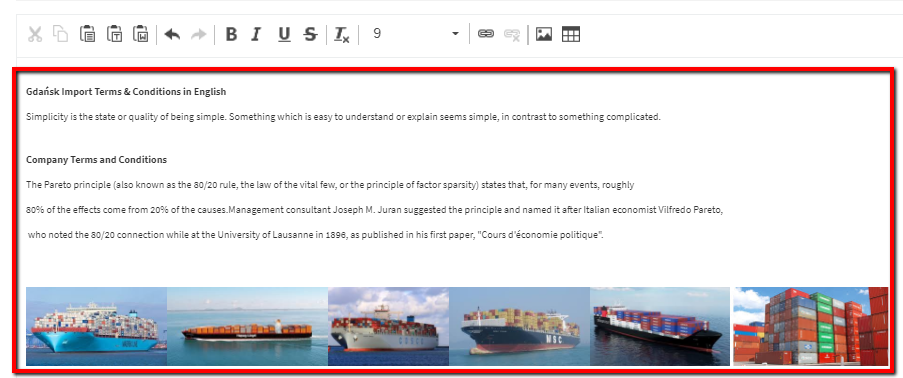
The changes will be saved automatically, only for this quote. Once replicated, the quote will still have the edited version of the T&C.
To undo the changes and go back to the default Terms&Conditions, please untick the ModifyT&C option:
The editor will disappear and the quote will be updated with the default T&C automatically.