1. Create a new user
Go to Settings -> Users, and click the 'Add New' button. Go to the ‘Details’ tab, and update the mandatory info as shown:
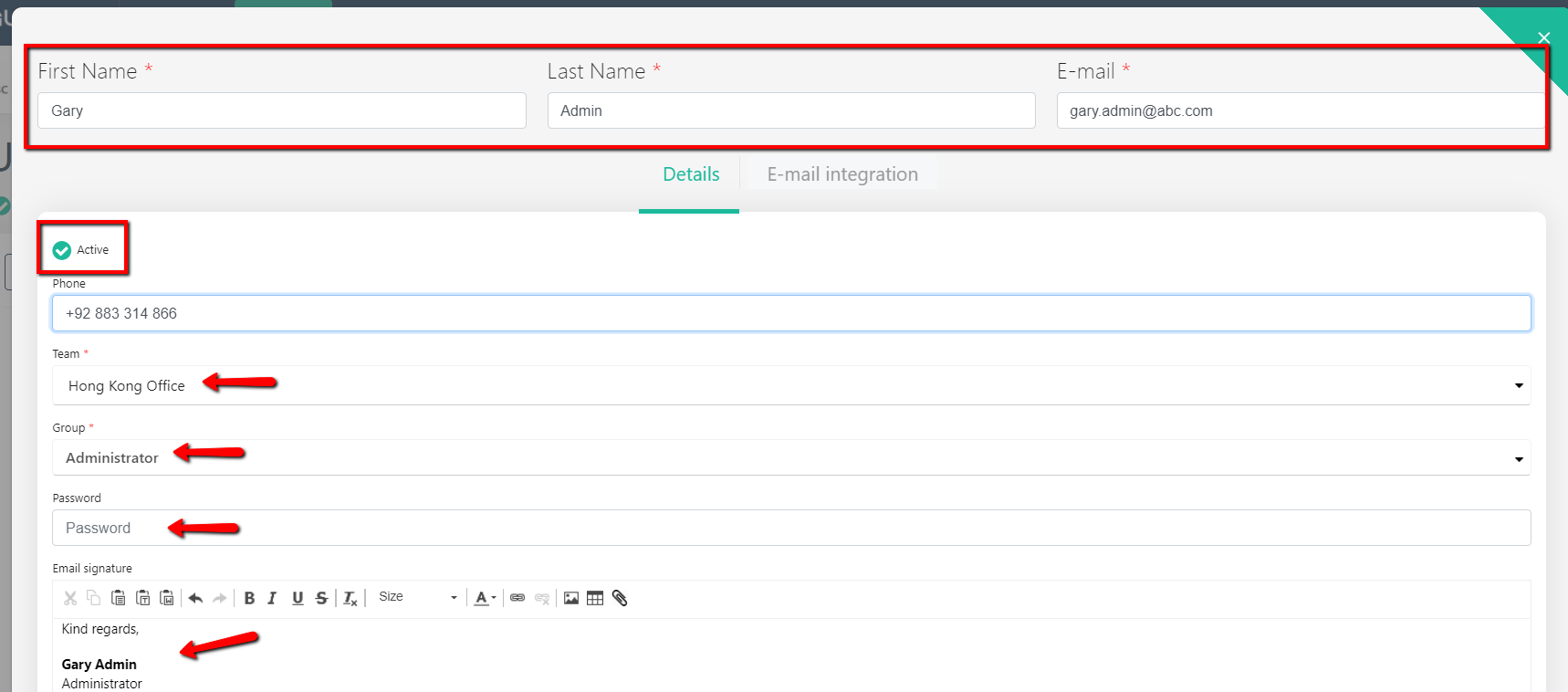
You will need to assign a new user to the Team and Role (selected from the drop-down).
The password you set for the user is the password they should use to log in the first time - they can change it later on.
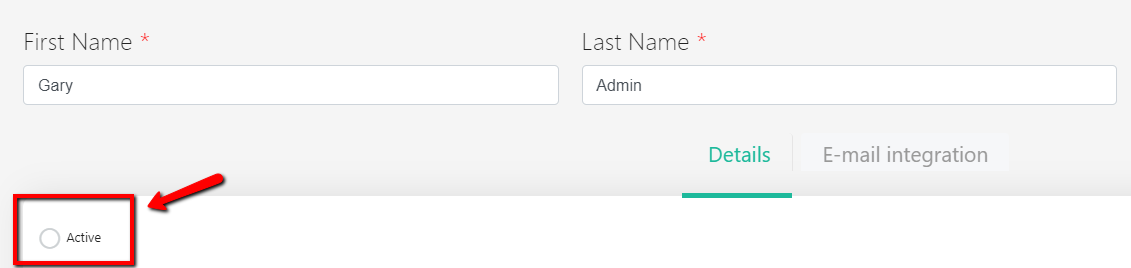
To activate the account - please select 'Active'. Click ‘Add’ button to save a new user profile.
2. Modify user data
Go to Settings -> Users. Click on the username and edit the user data.
3. Delete (deactivate) user profile
We recommend 'Deactivating' user instead of Deleting, as by deleting a user all the history will be affected too.