

Teams in Quotiss are created to maximize the effect of collaboration inside the sales teams. Users assigned to the same team can collaborate on Quotes and Clients. It is up to the organization to decide how many teams they would like to have.
1. Create a new team
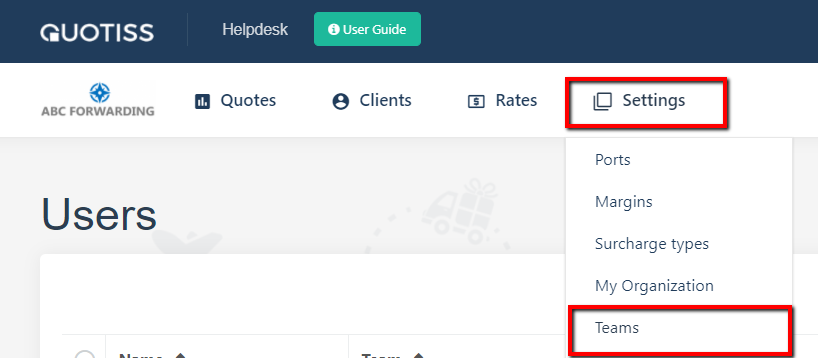
Go to Settings -> Teams in the main menu. Click 'Add New' button:
Input the name and click 'Add':

2. Modify or delete team
Go to Settings-> Teams in the main menu. Click on the Team Name. Edit and save as shown:

NB: Do not delete a team, if there are users assigned to it. Make sure to reassign users first.