

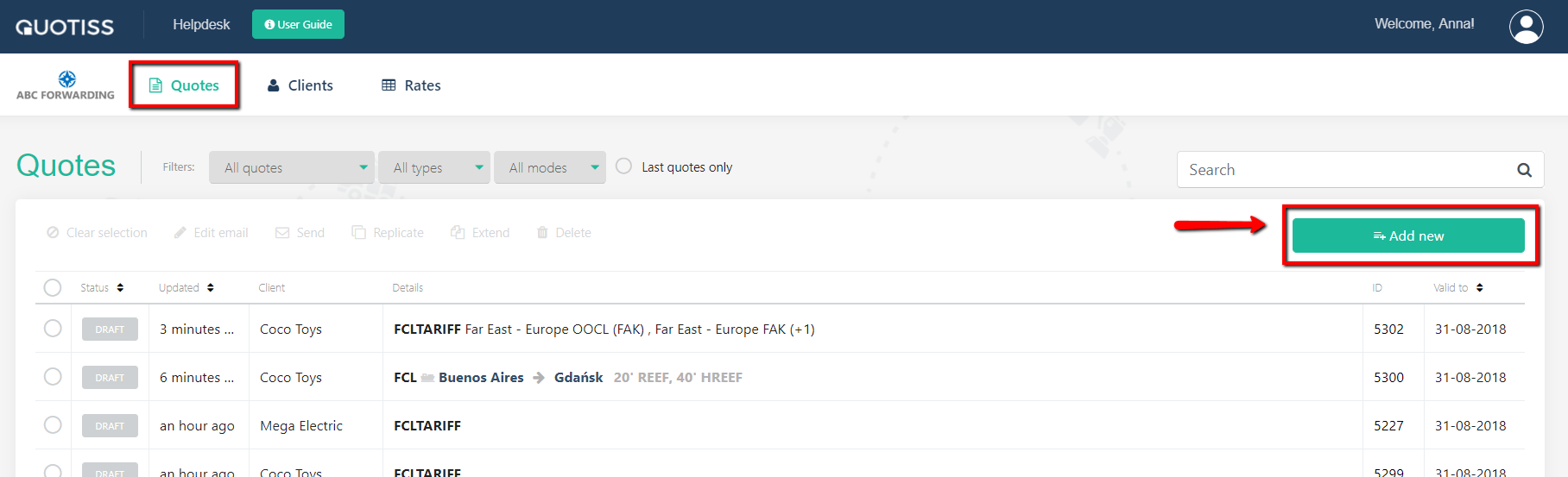
In order to create LCL quote, please go to Quotes and click 'Add New':
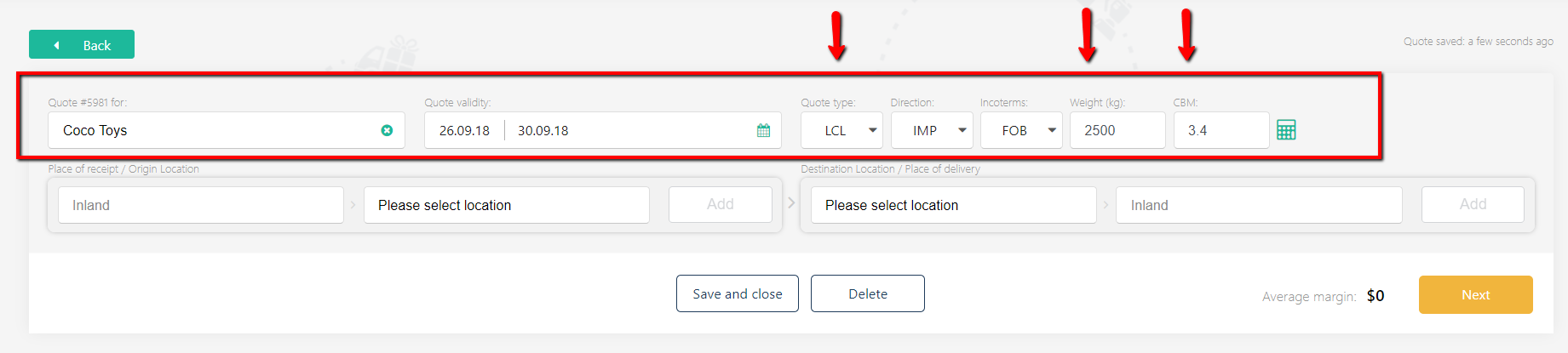
First, please update the quote header:
Please select a client from the drop-down menu (if the client is new, please create the client profile first), set the quote validity date, choose quote type LCL and update Weight and Measurement, select Incoterms and indicate whether it is import or export:
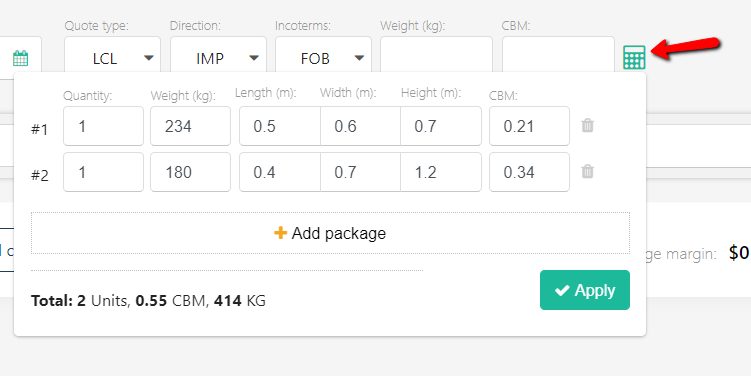
You can use the LCL calculator to calculate the exact W/M for your shipment based on the package dimensions given by the client. Click the calculator icon and add the package dimensions one by one. Click 'Apply' once done:
The next steps include:
- select origin and destination ports;
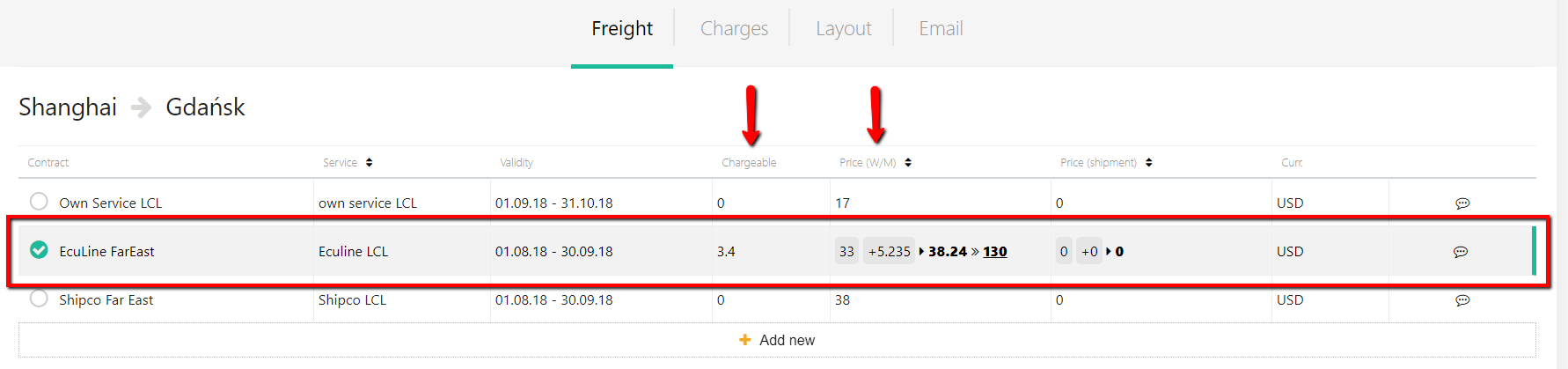
- select (or manually add) a freight rate;
LCL freight rate will be calculated automatically. Chargeable weight will be indicated on the pdf:
- add local charges and any other comments;
- revise terms and conditions;
- send a quote.
Please follow the above links to learn more.