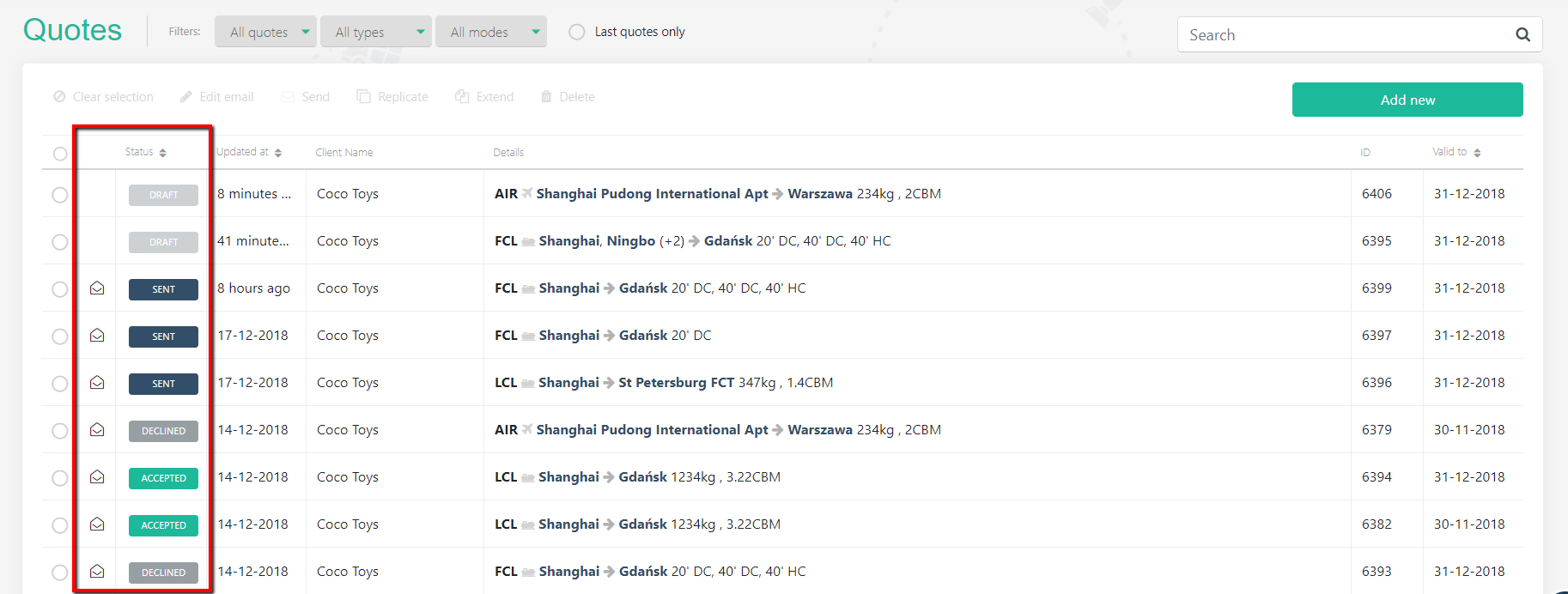
There are 4 statuses of a quote:
- DRAFT: when a quote is created, it automatically gets a DRAFT status. It is possible to delete a draft quote from the system.
- SENT: once the quote is sent to a client, it automatically gets a SENT status. Quotes, which are sent to the client are recorded in the client profile, and can't be deleted.
- ACCEPTED: when the client accepts the quote, a sales rep can change the status from SENT to ACCEPTED.
- DECLINED: when the client rejects the offered rate proposal, a sales rep can change the status from SENT to DECLINED.
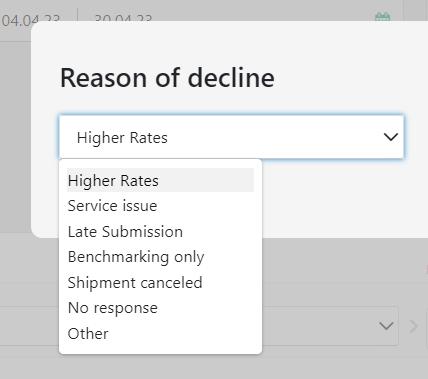
When you select 'Decline', you will be prompted to select a reason why the customer declined the quote. You can select the reason from the list:
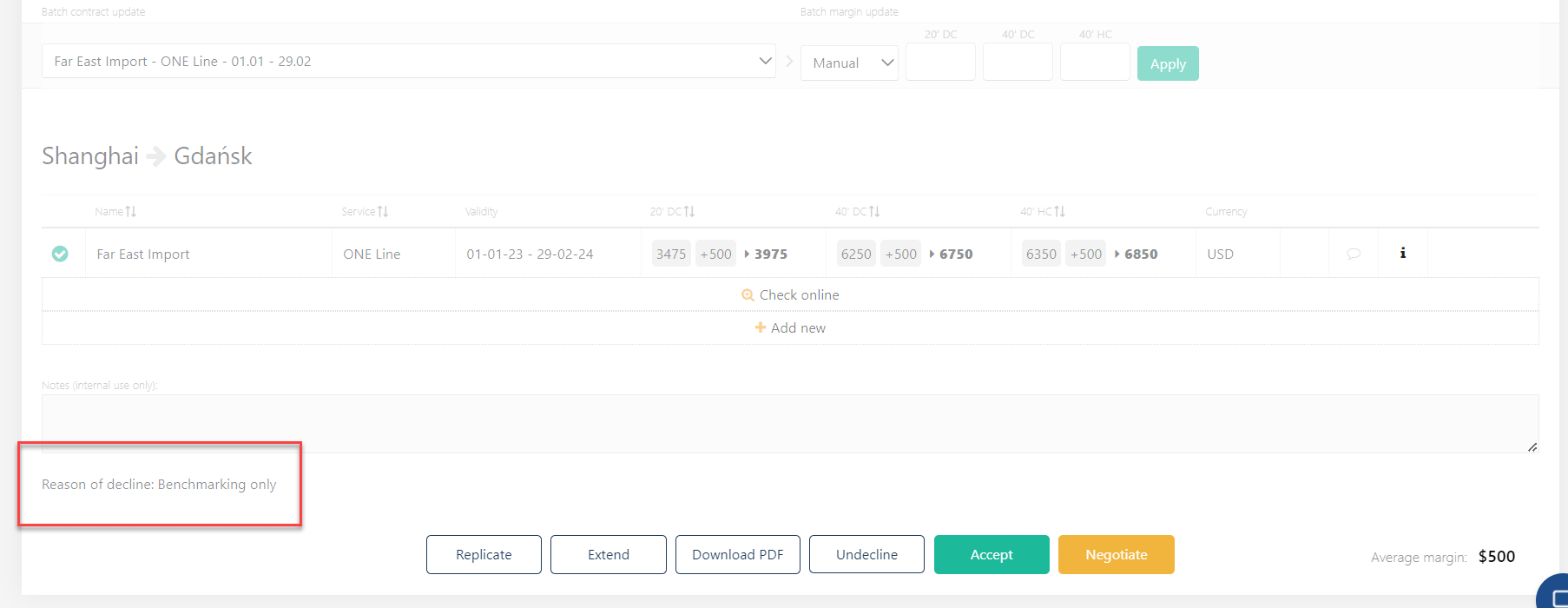
The selected option will be saved and displayed under the Internal note:
It will also appear on the Excel report, when you export the data from the Dashboard.
It is also possible to see when the recipient opened the quote last time. Just hover over the little envelope next to the quote status:
Open the sent quote and click 'Accept quote' button on the bottom of the quote:
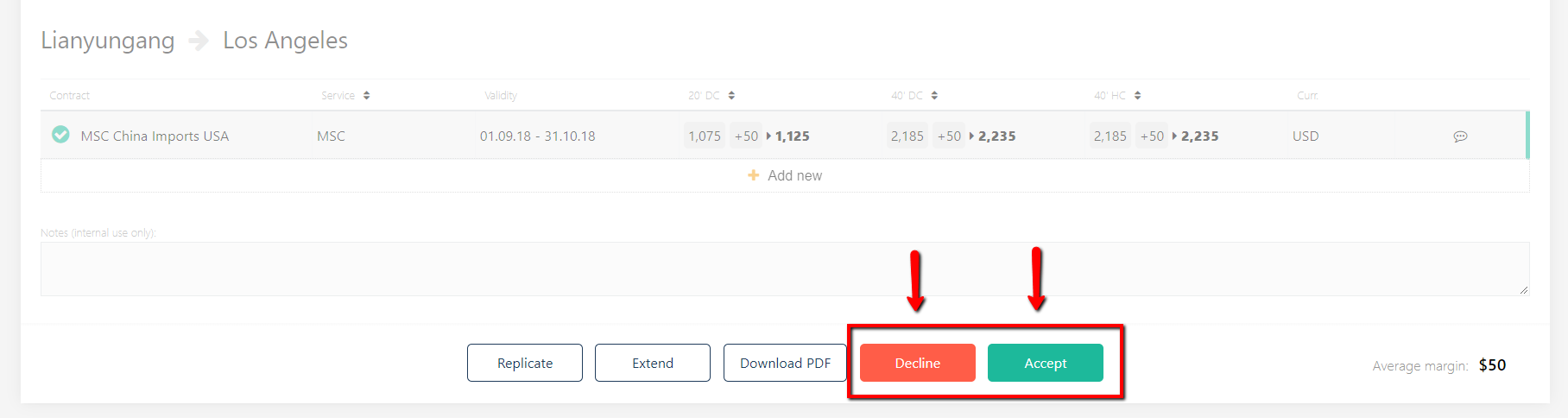
You can switch between ACCEPTED and DECLINED status.
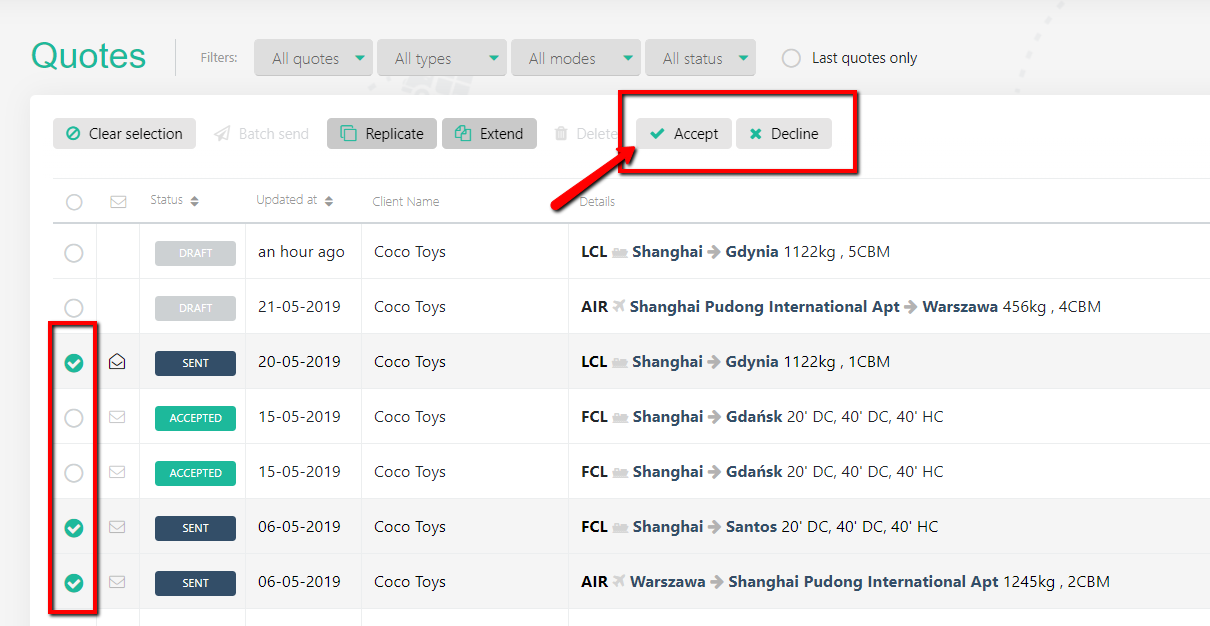
There is an option to BATCH accept or decline - select a couple of quotes which you'd like to accept or decline and click the button above as shown: