

Every Quotiss user has a Profile where all the basic details are updated. Users can always access and edit info in their profile by clicking on the user name at the top right corner:

User profile is set up by Admin:
Name
Email Address
Password
Team and Role
Signature
NB: User has to be 'Enabled' to become active in the system.
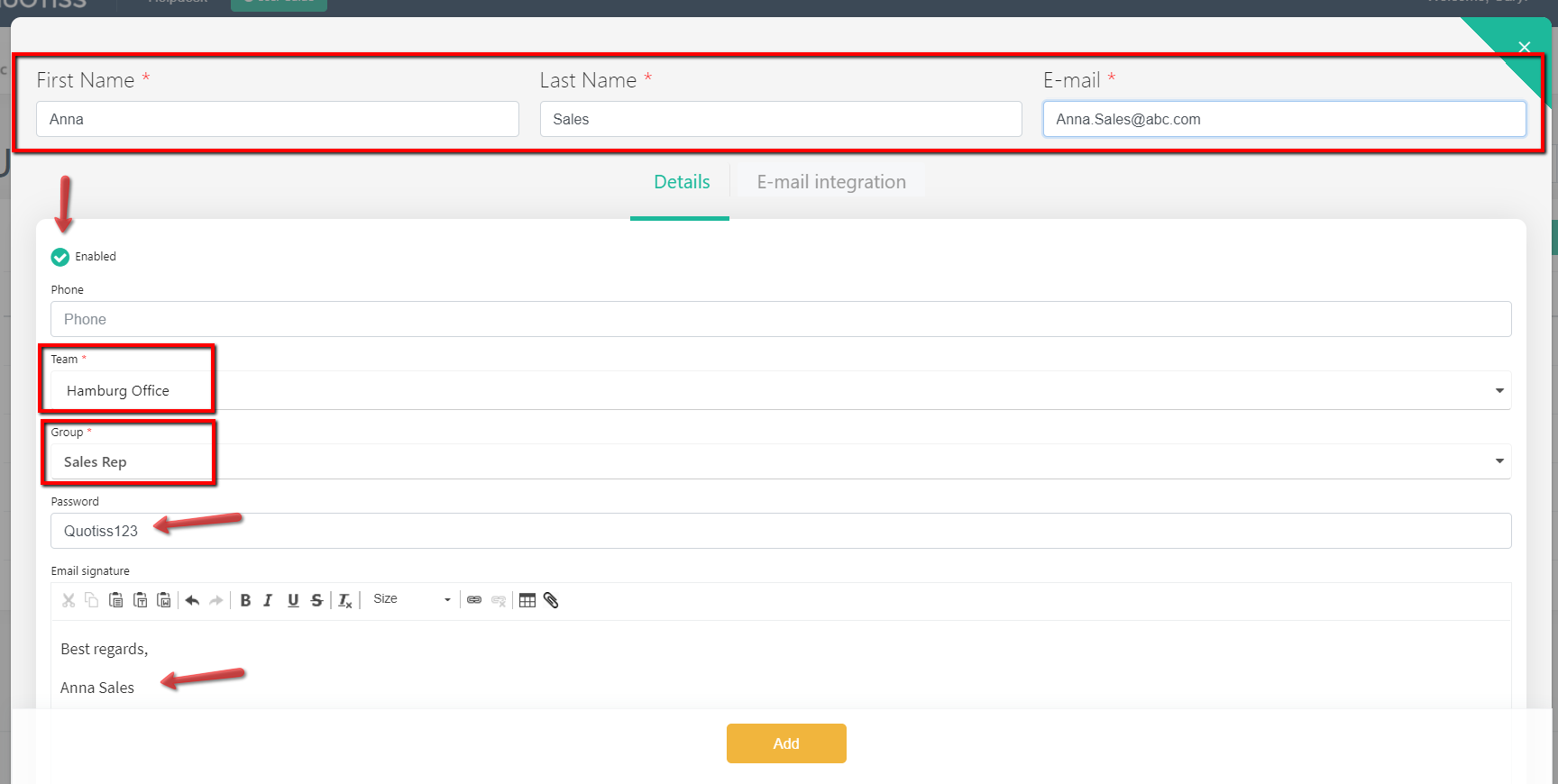
Users can always update their contact info or signature. This signature will be used in emails sent via Quotiss. The easiest way is to copy-paste the existing one from your email.
Use special buttons to insert a link or a picture, use different font color and size.
To enable email integration, please see email integration instruction.