
In order to login to the system, go to your domain.quotiss.com, and type your login and password that you've created or received from the Administrator.
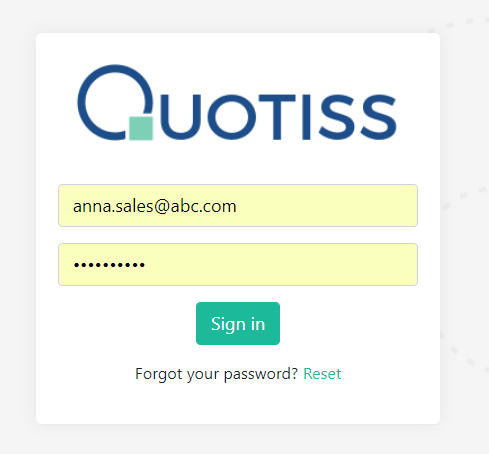
In case you forgot your password, please click on 'Forgot your password?' link, or contact your Admin for help.
You can change the password by going to your Profile and typing a new password:
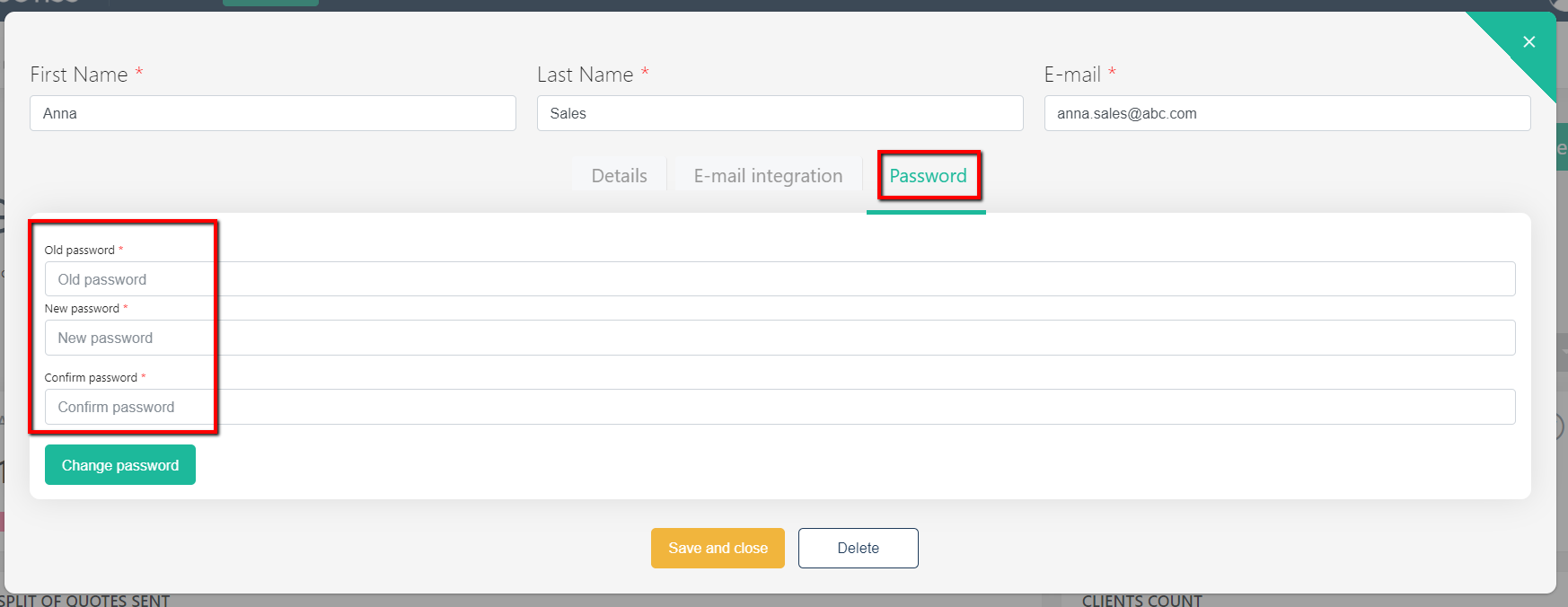
Click 'Save and Close' once updated.
We recommend not to share your password with others and change it regularly.