

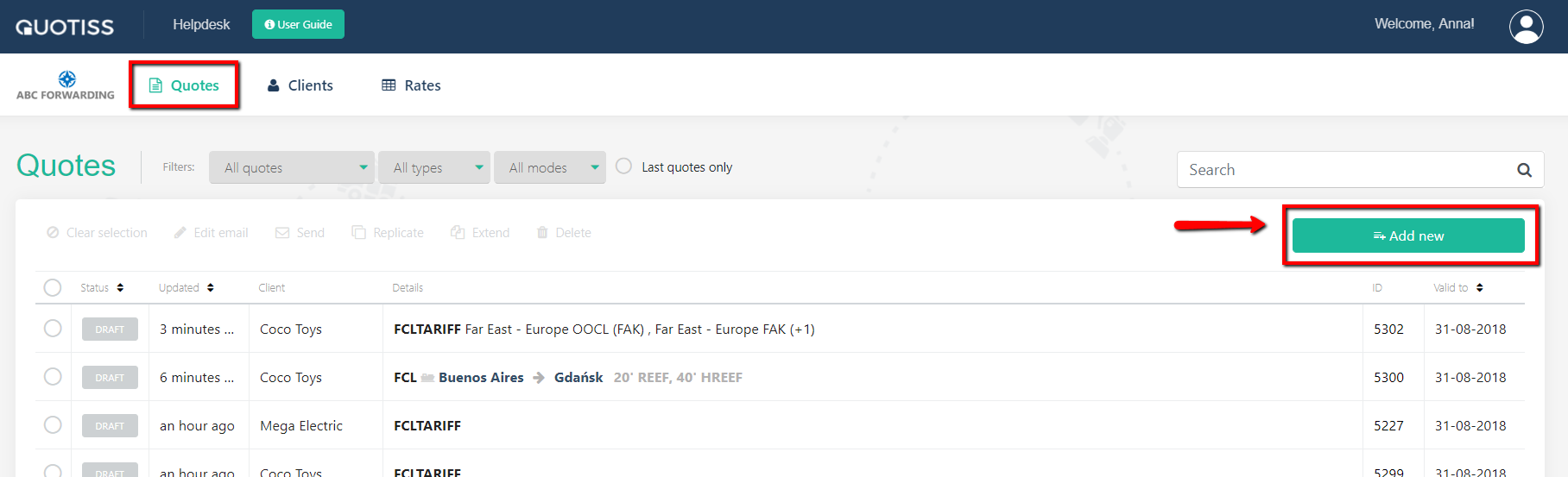
In order to create a quote, please go to Quotes and click 'Add New':
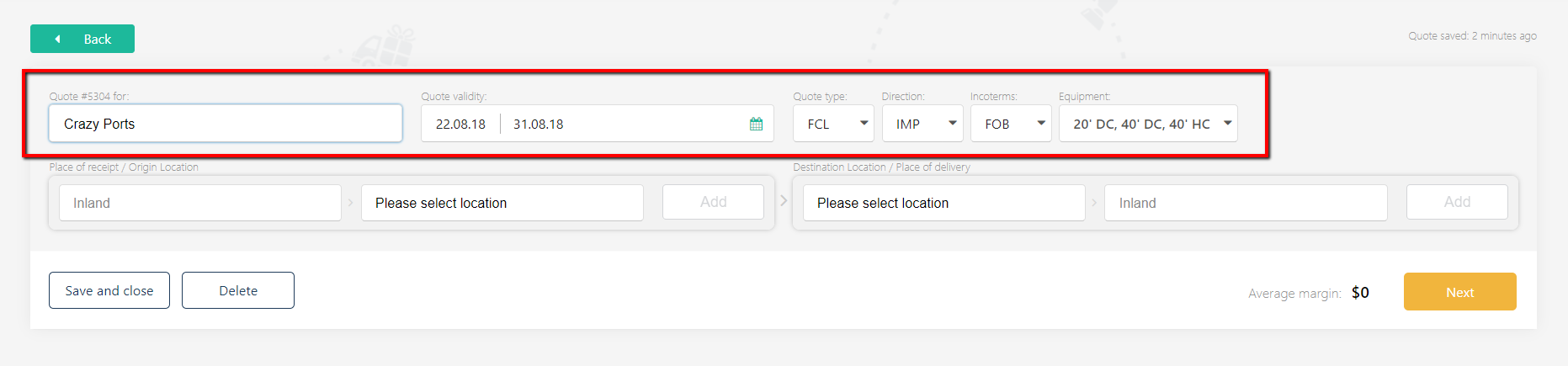
First, please update the quote header:
Please choose a client (if the client is new, please create the client profile first), set the quote validity date, quote type, direction, Incoterms, and Equipment.
The next steps include:
- select origin and destination location;
- select (or manually add) a freight rate;
- apply margin;
- send a quote.
Please follow the above links to learn more.