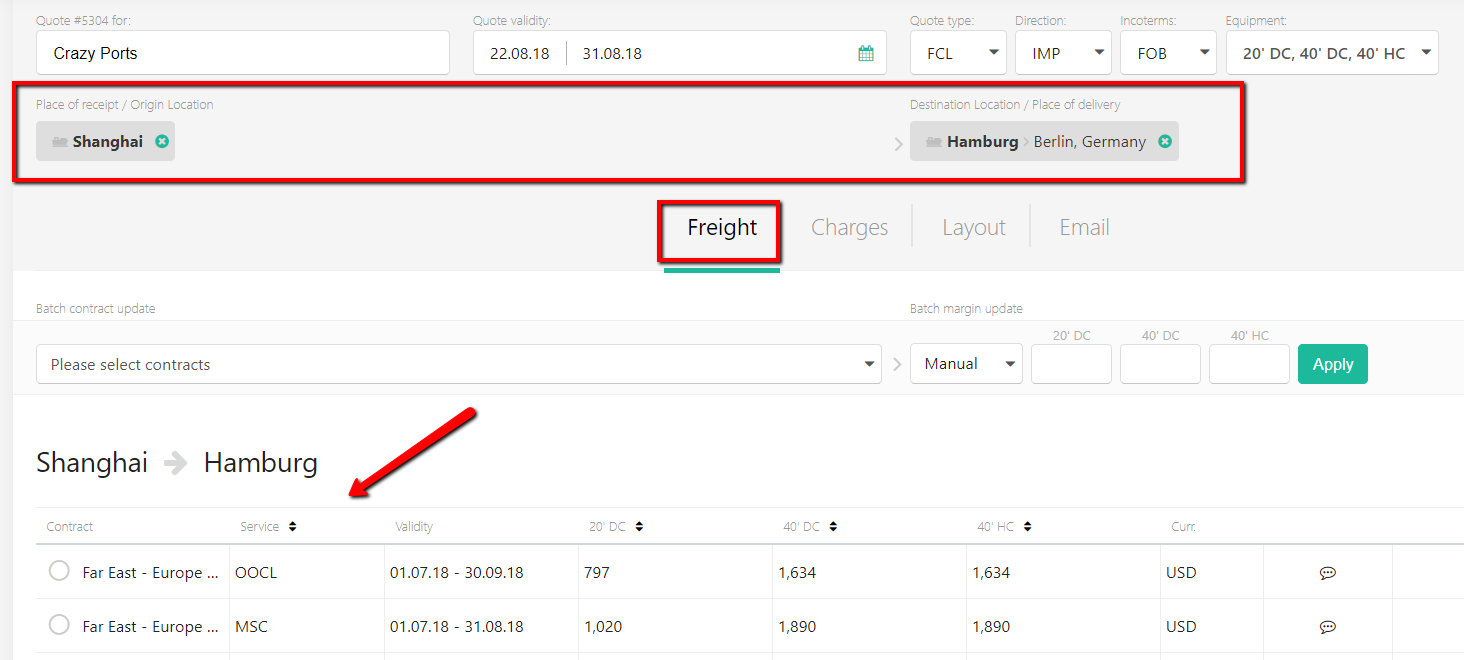
Once the quote header is updated, please select Origin and Destination location(s) from the drop-down menu and click 'Add'. Please pay attention to the icons (ship, train or airplane) to select the correct location type for your quote.
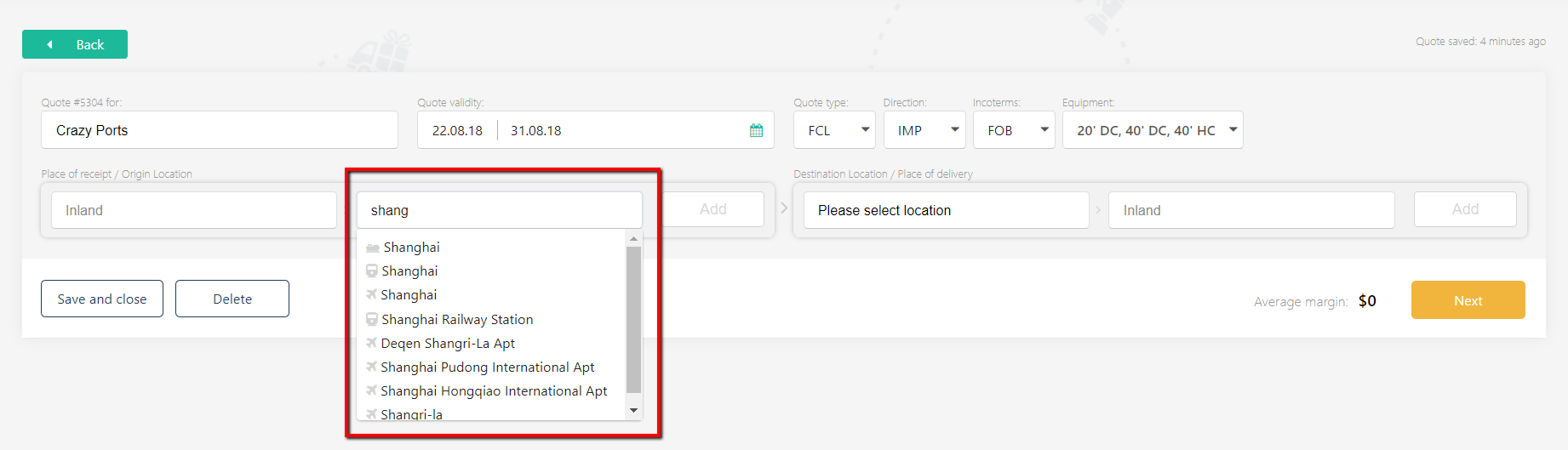
You can also indicate an Inland point, but it is not mandatory (inland locations come from Google Maps service and appear on the offer layout as a final destination point).
Once you've added both origin and destination locations, you will see the available rates: