

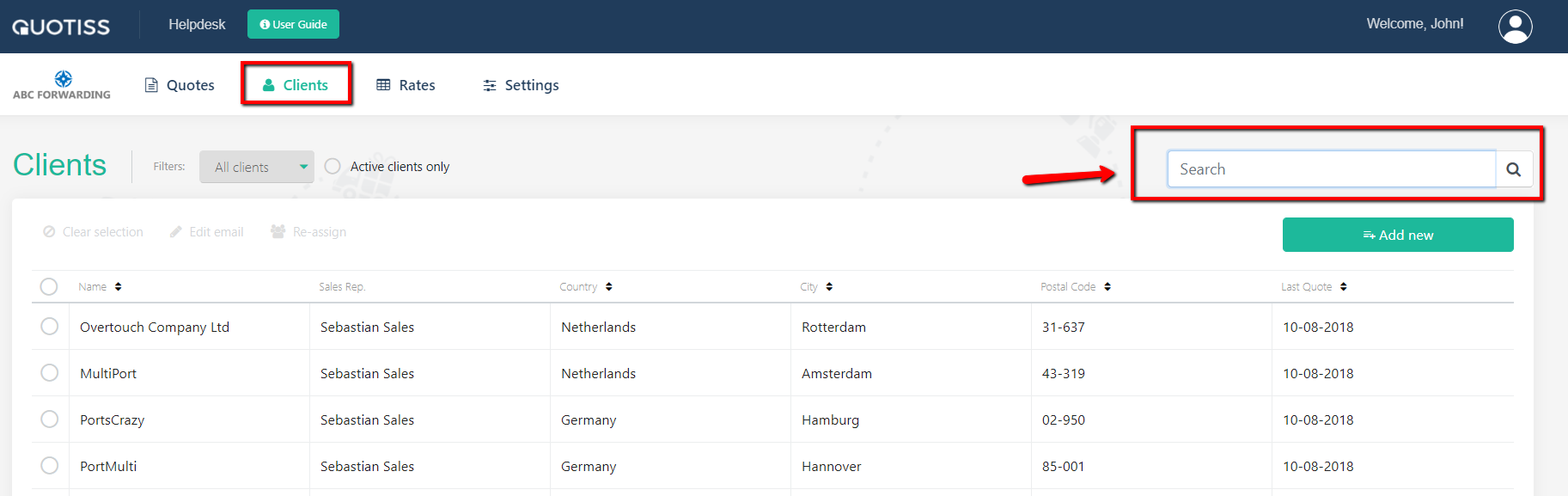
Go to Clients tab and select the client you'd like to modify (use the Search to find the client faster):
Edit any field in any tab. All required fields marked as mandatory should be filled in. Click the ‘Save and Close’ button when done editing.
It is possible to delete a client from Quotiss, but we recommend to change the client status to Blocked instead. This way you will block the quoting possibility, but keep the history of this account in the system.