

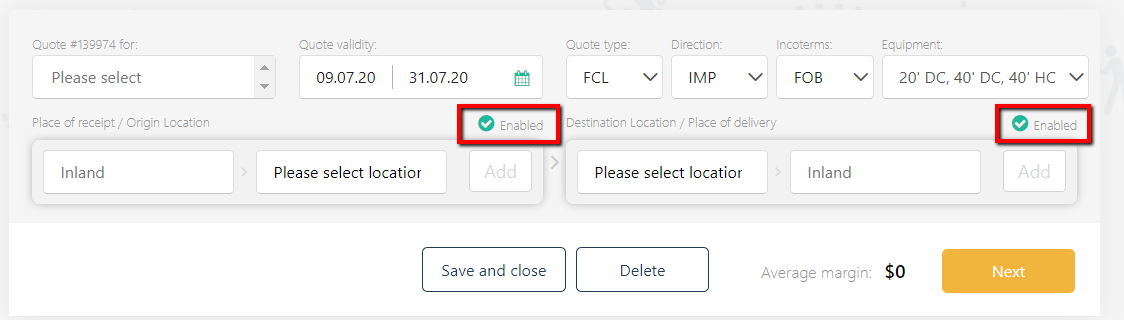
Please go to Quotes and click 'Add New'. Please choose a client, set the quote validity date, quote type, direction, Incoterms, and Equipment.
NB: make sure that you've selected the right direction and Incoterms - it is important for displaying the right set of the local charges.
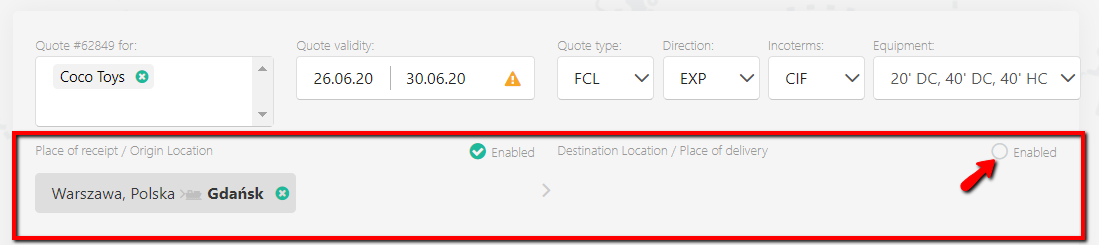
For an export quote, please update Place of receipt and Origin location, and disable the Destination location:
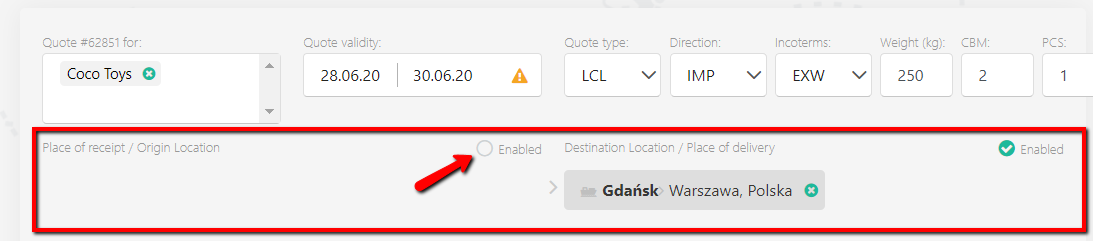
For an import quote, do the other way around - update the Destination location and Place of delivery, and disable the origin part:
The next steps include:
- send a quote.