

Clients can have a status:
Potential - a prospect client not shipping yet
Active - actively shipping
Blocked - a client, blocked from receiving new offers
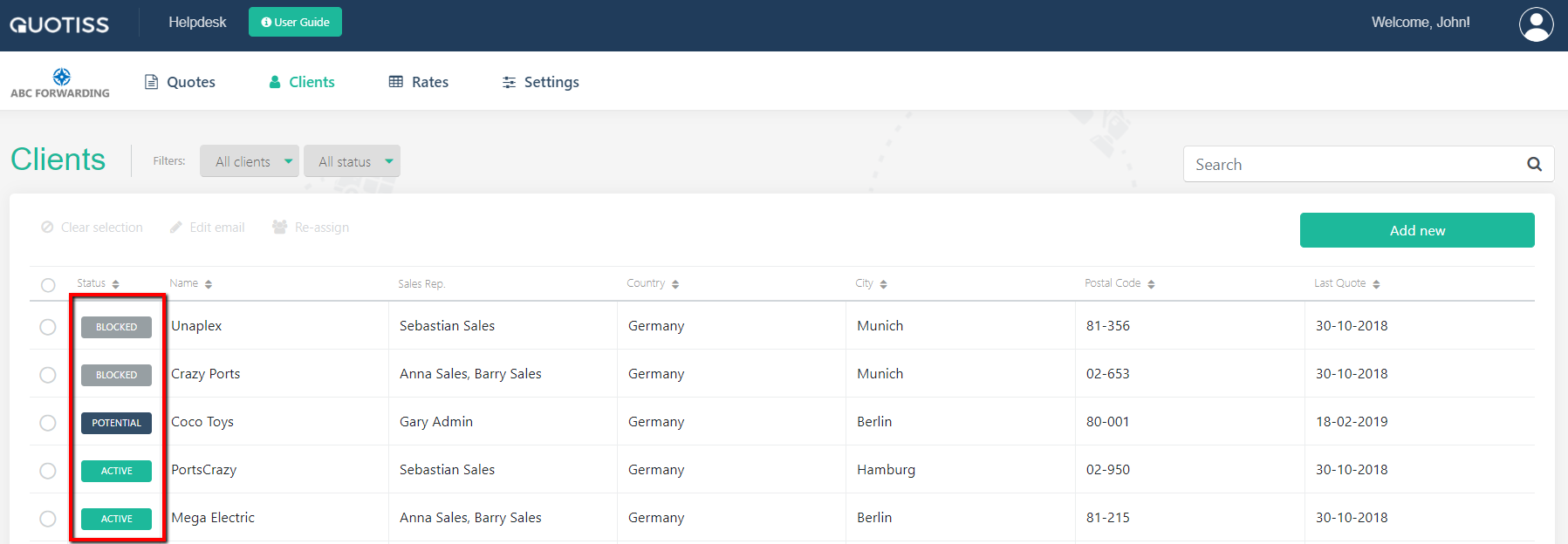
By default, all clients have an active status. You can change that in the client profile:
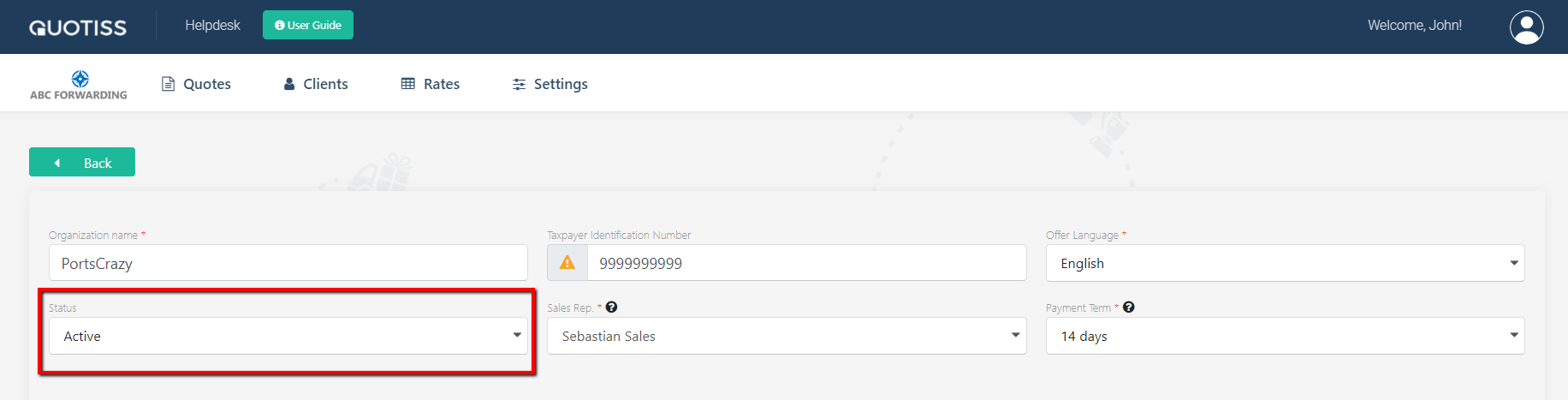
Open client profile, change the status and click 'Save'.
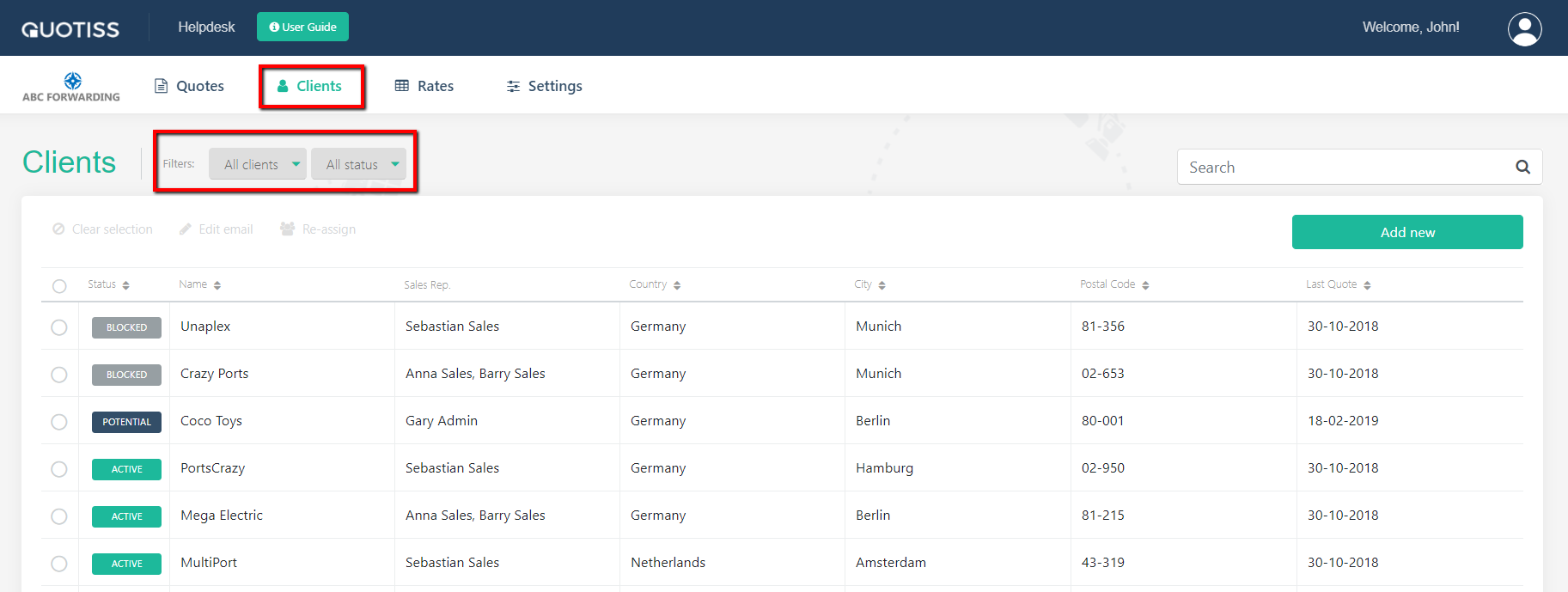
You can filter your client list by client status, as well as filter your quote list by client status.
NB: it is not possible to prepare an offer for the blocked client.